
What happens when someone sends you a document through Microsoft 365?
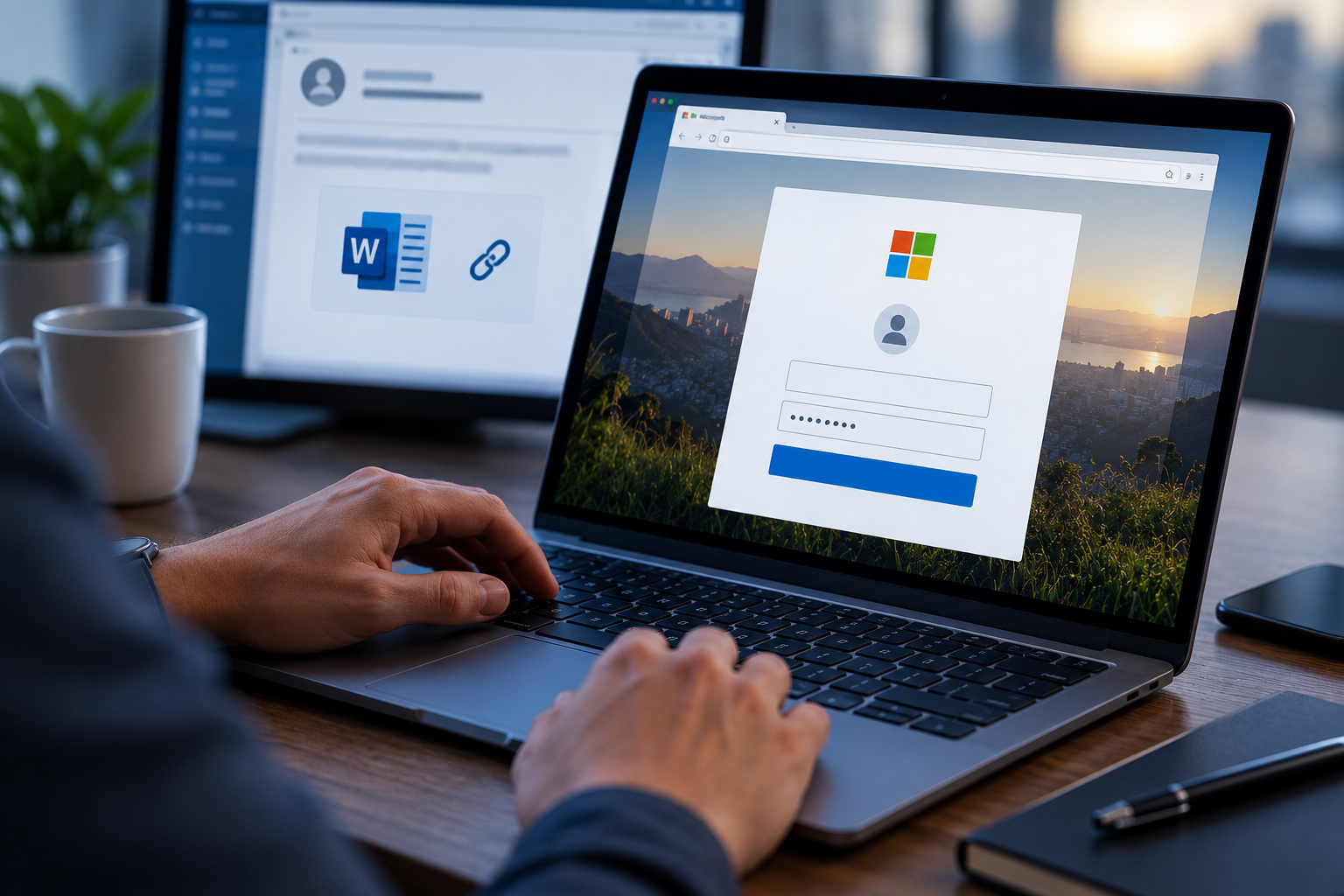
You recognize the Microsoft logo, the page looks legitimate, and the person who sent it has a perfectly reasonable explanation for why you need to open it. When you click the link, Microsoft asks you to sign in, so you enter your password.
Unfortunately, you may have just handed over the keys to your work account.
That exact scenario happened during a recent cyberattack against IEH Corporation, a company that manufactures components for the aerospace and defense industries.
What Happened to Our Critical Infrastructure?
On August 4, 2026, IEH discovered that an attacker had gained unauthorized access to an employee’s Microsoft 365 mailbox. According to the company’s SEC filing, someone impersonating a prospective business contact sent a IEH employee a URL that they disguised as a Microsoft document-sharing link. Believing its legitimacy, the employee clicked it.
Instead of taking them to a real Microsoft login page, the link led to a fraudulent page designed to collect their Microsoft 365 credentials.
Once the employee entered those credentials, the attacker had what they needed to access the account.
The compromised mailbox contained emails, attachments, customer communications, purchase orders, engineering documents, and potentially even export-controlled technical information.
All of that started with one link that seemed like a normal, shared document.
What Makes These Attacks So Convincing
Most of us have been trained to look for obvious phishing warning signs:
- Misspelled words
- Strange email addresses
- Urgent threats
- Suspicious attachments.
Modern phishing attacks don’t look like that anymore. Attackers can imitate the login pages we see every day from Microsoft, Google, Dropbox, DocuSign, and other popular services. They can also research your company beforehand so that the message makes sense in the context of your job.
In IEH’s case, the attacker reportedly posed as a prospective business contact. So why does that matter?
That employee did not necessarily receive some bizarre request completely unrelated to their work. In fact, they received a message that appeared to fit naturally into a normal business conversation. That’s why these attacks are so dangerously convincing.
One Account Can Hold a Lot of Information
Think about how much somebody could learn from your work email account. You may have years of conversations, attachments, invoices, customer information, internal documents, meeting invitations, names of coworkers, and other sensitive information sitting inside it.
Your inbox can also tell an attacker how your organization operates. It can teach them who handles payments, who reports to which department head, which vendors you work with, and how employees normally communicate.
They can then use that information to create even more convincing attacks. The FBI received nearly 200K complaints about phishing and spoofing attacks in 2025, rendering it the most commonly reported type of cybercrime that year.
It remains popular for a very simple reason: Sometimes it works.
How Is This a Cyber-Compliance Problem?
A stolen password isn’t just a problem for IT.
If your account contains Personally Identifiable Information (PII), Protected Health Information (PHI), financial records, confidential customer information, or other regulated data, then unauthorized access can turn into a big compliance incident.
Your organization may need to determine exactly what the attacker accessed, whether (and which) information they downloaded, who was affected, and whether the company needs to notify regulators and customers.
That’s why protecting your login credentials is a big part of protecting company data.
Your password doesn’t only protect your email. It may also safeguard every sensitive piece of information that you can access through the account.
Stop Logging In Through Unexpected Links
One of the easiest ways to protect yourself is to change how you respond to login prompts. If someone sends you a Microsoft document, and when you click it suddenly asks you to enter your password, then you should take a step back and reconsider your actions.
Instead, open a new browser window and go directly to the service yourself.
If it is a legitimate shared Microsoft document, for example, then you may be able to access it by signing into your Microsoft account through the normal website, rather than using the link in the message. The same rule applies to Google Drive, Dropbox, DocuSign, and any other online services.
You should also raise questions and suspicions whenever you are unexpectedly asked to sign in again, after you already logged into that service.
Basically whenever a situation feels unusual, you should stop and verify before entering any information.
Here’s Why MFA Still Matters
Multi-factor authentication (MFA) provides another layer of protection if someone steals your password. Still, that doesn’t mean you can ignore suspicious login pages.
Attackers have developed techniques designed to steal session information or trick people into approving MFA requests as well. You should never approve an authentication request you did not initiate, and never give someone an MFA code over the phone, through email, or in a chat message. Threat actors sometimes bombard victims with relentless push notifications until they give up and allow the hacker in, an effective technique known as MFA fatigue.
If your organization offers phishing-resistant authentication methods such as passkeys or security keys, you should use them whenever possible!
Conclusion
The IEH attack did not begin with someone breaking through a firewall. It began with a simple message that anyone could believe, which led just one employee to open a shared document.
This incident reminds us that cyber-compliance depends on protecting sensitive information, and your login credentials are often the gateway to that confidential information.
Always treat unexpected login screens with the same caution you would give a suspicious attachment. If a document-sharing link asks you to sign in, don’t rush. Go directly to the service, verify the request, and make sure you are actually giving your password to the company you think you are.
One extra minute of verification can prevent someone else from spending hours inside your account.