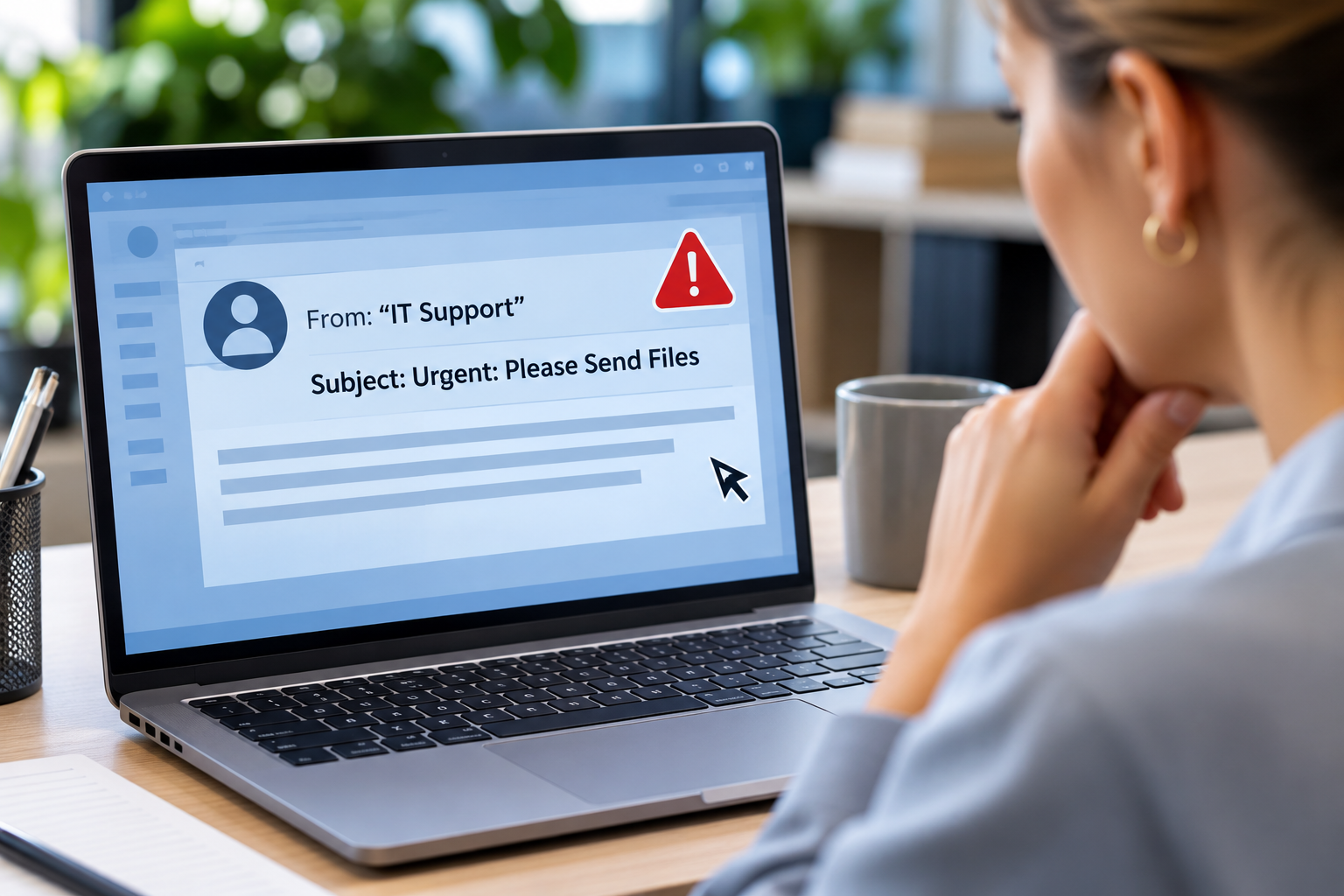

Have you ever emailed a customer spreadsheet to a coworker? Maybe you’ve taken a screenshot of an account, printed a document containing employee information, or shared someone’s phone number to help resolve a problem.
Most of us handle personal information throughout our workday without giving it much thought. After all, it’s just a name, address, or phone number, right?
Unfortunately, those everyday details can be more sensitive than you realize, especially when they’re combined with other information.
That’s where Personally Identifiable Information (PII) comes into play.
Understanding what PII is, and how to protect it, is an important part of cyber-compliance. You don’t need to be a cybersecurity expert to keep personal information safe, whether the data belongs to you or a customer.
What Exactly Is PII?
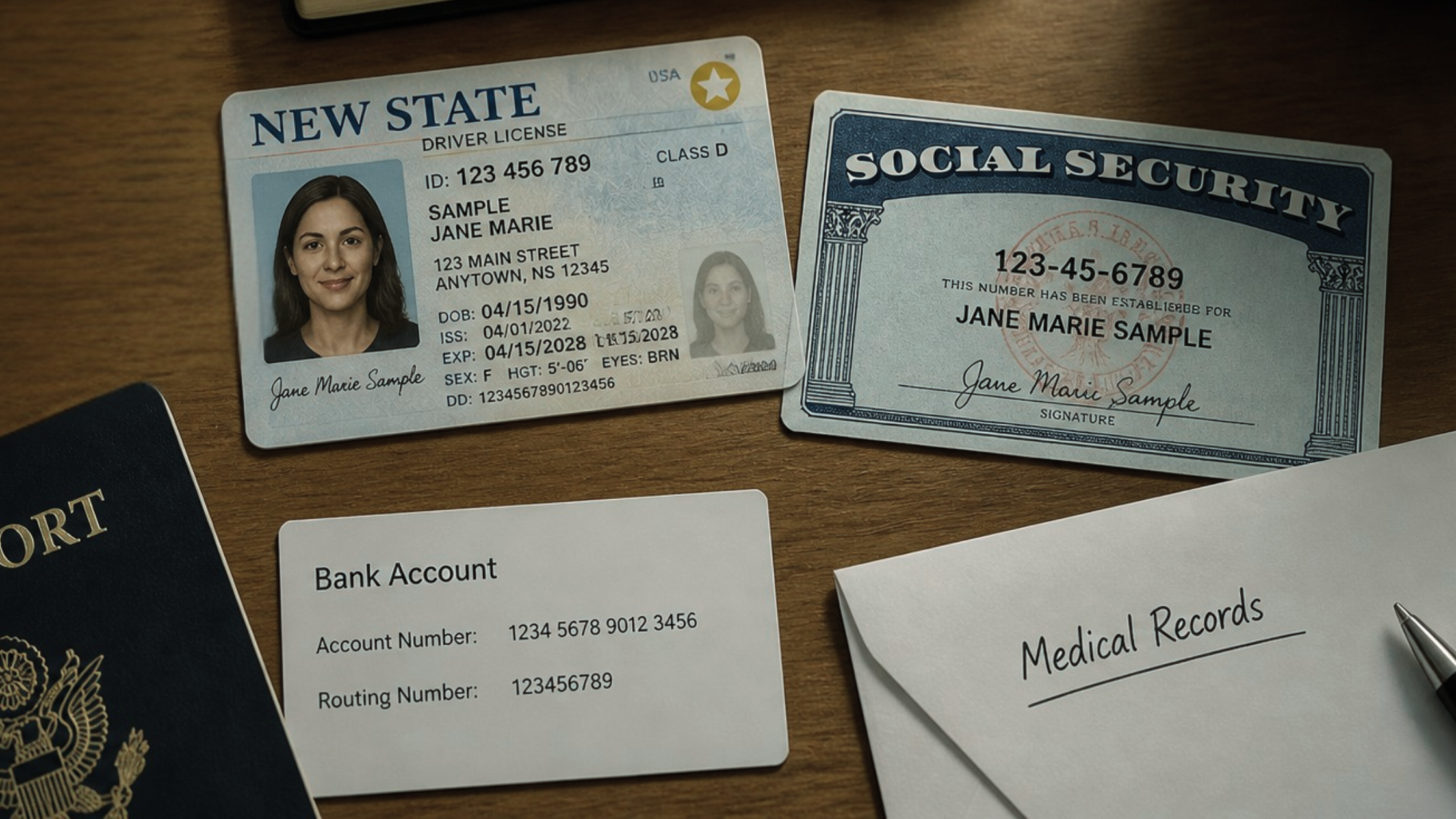
PII is information that can identify a specific person, either on its own or when combined with other details. Some examples are pretty obvious. For example, your Social Security number, driver’s license number, and passport number can directly identify you.
Other information might not seem quite as sensitive, however, it can still add to the larger picture about you. For example, your name, email address, phone number, home address, date of birth, or employee ID could also qualify as PII, depending on the circumstances.
Think about it this way. A first name alone might not tell someone very much; but when you combine that name with a home address, birth date, and phone number, then suddenly you’ve revealed quite a bit about a specific person.
The more personal details someone collects, the easier it may become to identify or impersonate that individual.
Not every piece of PII carries the same risk, and different privacy laws define protected information differently. That’s why it’s important to follow your organization’s policies rather than assuming certain details are harmless!
Why Is PII Such a Big Deal?
What could a threat actor do if they obtained a spreadsheet containing customer names, email addresses, phone numbers, and account information? They could use those details to impersonate customers, create convincing phishing messages, or attempt to access online accounts. In some cases, exposed information can contribute to identity theft or financial fraud.
Unfortunately, this isn’t an uncommon problem. The FTC received more than 1.3M identity theft reports in 2025.
Not every identity theft case results from a workplace data breach, of course. Still, the statistic illustrates why protecting identifying information matters so much.
Even seemingly ordinary details can become useful to criminals when combined with information from other sources!
Don’t Share More Information Than Necessary
Suppose your coworker needs a customer’s email address. Instead of sending that one detail, you forward an entire spreadsheet containing hundreds of customer records.
Problem solved, right? Not exactly.
You’ve just shared far more personal information than your coworker needed.
This is where data minimization comes in. Data minimization means that you only collect, use, and share the information necessary to complete your job.
So before sending a document, ask yourself whether the recipient needs everything it contains. If not, share only the relevant information through an approved and encrypted method!
Never Leave PII Where Others Can See It
Here’s another everyday situation: You’re reviewing employee records when someone stops by your desk to ask a question. So you turn away from your computer, leaving the records visible on your screen. Anyone walking by during that conversation can see that data.
In another likely scenario, you may print a document containing a new hire’s Social Security number or Employee Identification Number. While you’re walking across the office to retrieve it, anyone can view those details left out on the print tray.
Neither situation might seem particularly dangerous at the time, but it’s always a compliance violation if unauthorized people see or access information that they have no legitimate reason to view.
- Lock your computer when stepping away
- Retrieve sensitive documents promptly
- Dispose of printed records using approved secure-disposal procedures
Remember that protecting PII applies to both digital and paper records.
Be Careful Including PII in Screenshots and Emails
Have you ever taken a screenshot to show your IT department a problem? Maybe an application wasn’t working, so you captured your screen and attached the image to a support ticket. Often they ask for screenshots of what you’re talking about so they can better understand and solve the issue.
Unfortunately, that screenshot might also include customer names, account numbers, addresses, or other personal information.
The same compliance concern can occur when forwarding emails or copying information into workplace chat messages.
Before sharing screenshots or documents, always check for sensitive details that aren’t relevant to the conversation.
If you need to hide information, use an approved redaction method that actually removes or securely obscures the underlying data. Simply placing a black shape over text in an editable document may not be enough!
How Can You Protect PII Every Day?
Fortunately, protecting personal information usually comes down to a few consistent habits.
- Think before sharing. Make sure the recipient is authorized and only receives the information they need.
- Check attachments and screenshots. Look for personal details that shouldn’t be included.
- Use approved storage. Don’t save customer or employee records to personal email accounts, USB drives, or unauthorized cloud services.
- Protect physical documents. Keep sensitive paperwork secure and dispose of it properly.
- Respect access restrictions. Don’t view personal information unless you have a legitimate work-related reason.
- Report accidental exposure. If you send PII to the wrong person or discover that information has been exposed, notify your IT or security team immediately.
Most importantly, don’t assume that a small mistake means that you don’t have to bother reporting it. Your organization decides whether they need to investigate the situation and pursue additional action.
Conclusion
Personally Identifiable Information is part of our everyday lives, and many of us handle it regularly at work. Unfortunately, it’s easy to overlook how much personal information appears in ordinary documents, emails, screenshots, and spreadsheets.
Fortunately, protecting PII doesn’t have to be complicated! By limiting what we collect, sharing information only with authorized people, and paying attention to where sensitive details appear, we can help prevent unnecessary exposure.
Before collecting, opening, or sharing someone’s personal information, ask yourself whether you really need it and whether you’re handling it appropriately.
After all, that information belongs to a real person who trusts your organization to protect it. The golden rule applies: Treat their PII the way you want yours to be treated!