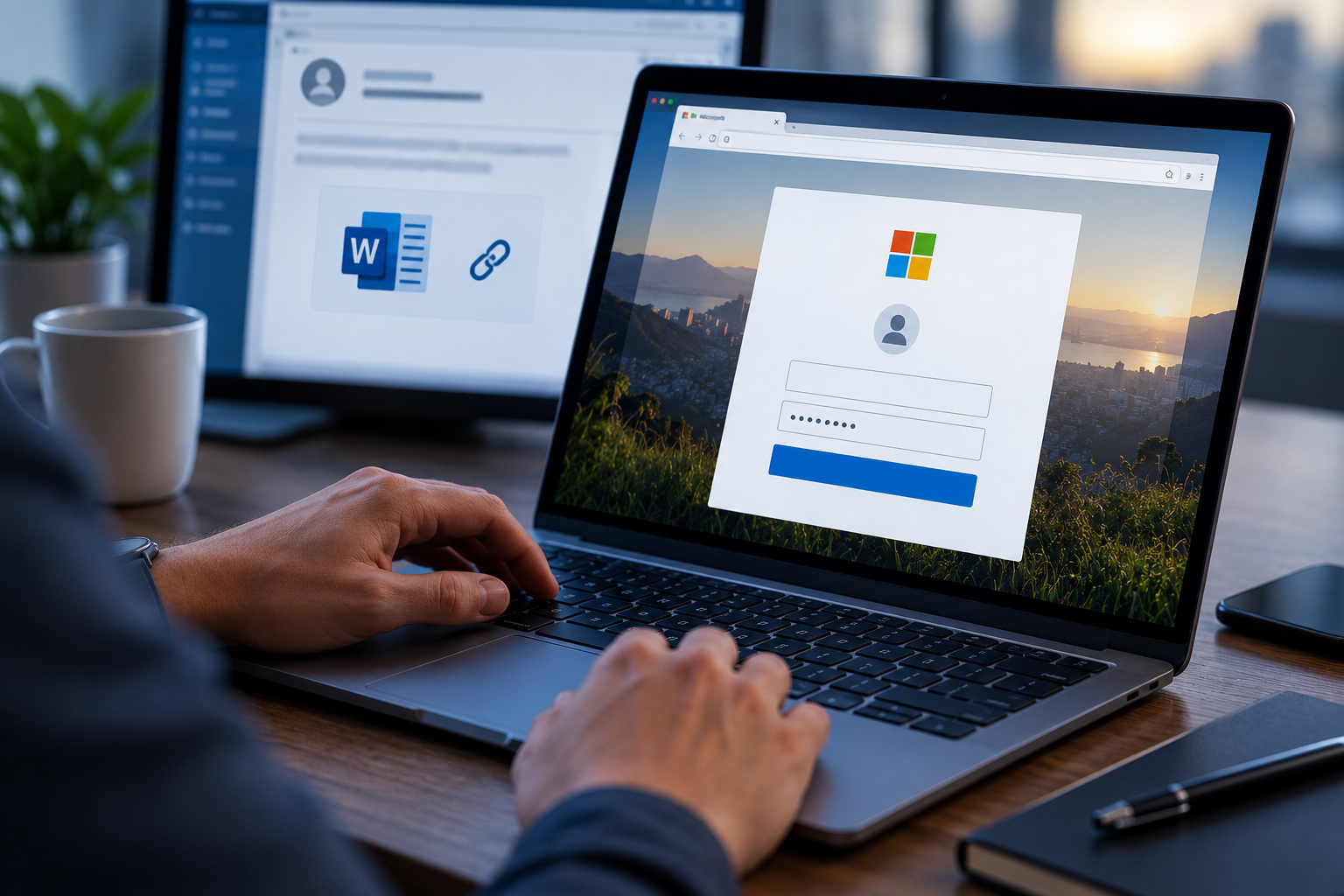

After you log into your computer at the start of a workday, how much do you think about cybersecurity? Once or twice? Maybe never at all?
Throughout the shift, you might open a file, send an email, update a document, or download a report. Then you keep moving on with your tasks.
Behind the scenes, however, many of those actions might be being recorded.
Now, keep in mind: This is not because your company wants to expend the time and manpower to spy on you. Simply put, these measures are put in place to keep track of all company activity. Believe it or not, this is an important part of cybersecurity and compliance!
What Is an Audit Log?
An audit log keeps a record of all the activity that takes place in the office. Whether that means having to sign your name when you access a physical sensitive document, or your computer tracking your search history, your company needs to know who does what and when.
These logs keep track of many important actions, such as:
- Logging into an account
- Opening or modifying a file
- Accessing sensitive information
- Changing account settings
- Deleting data
Think of it like a security camera for computer systems. Instead of recording video, it records important events.
Why Are Audit Logs Important?
If something goes wrong, audit logs help answer several important questions. While regular auditors of course need this information, it also helps your company track potential insider threats and ensure that everyone abides by their access level protocols.
When several people use the same account, then your company has no reliable way to know who really viewed, changed, or deleted a file. That creates both security and compliance problems.
For example, logs tell us:
- Who accessed the information?
- When did it happen?
- What changes were made?
- Was anything deleted or downloaded?
Without these records, it can be extremely difficult to investigate security incidents or prove that company policies were followed correctly. Also, many data privacy regulations require organizations to maintain these records. In other words, your company isn’t hassling you about every click just for fun; the law requires them to know.
For better or worse, audit logs only work if everyone uses systems correctly. Problems can happen when you share accounts with coworkers, use someone else’s login, access systems they do not need, and work around company procedures.
Simple Ways to Support Compliance
Although you may never look at an audit log yourself, you still influence where those records are accurate or not. By using your own account, following company procedures, and protecting your login credentials, you help maintain reliable records each and every day.
You do not need to do anything complicated. A few good habits ensure that your logs are correctly maintained.
- Always use your own account – Never share usernames or passwords.
- Log out when you finish working – Especially on shared devices.
- Follow company procedures – Avoid shortcuts that bypass approved systems.
- Report unusual activity – If you notice unexpected account activity or system behavior, let your IT team know.
These records become especially important during security investigations, compliance audits, or suspected data breaches. Audit logs are one of the most valuable tools an organization has for protecting sensitive information and meeting compliance requirements.
Every click, login, and file change helps create a record of what happened. By following good security habits and using your own account responsibly, you help ensure those records remain accurate when they are needed most.
You may never see an audit log, but it could become one of the most important pieces of evidence when a security incident occurs.