

Have you ever recorded a work meeting so you could review it later? Maybe you turned on automatic transcription during a Teams call, or used an AI notetaker to summarize a discussion because you didn’t want to miss anything important.
It certainly makes life easier!
Unfortunately, those convenient features can also create new privacy and compliance risks, especially when meetings involve sensitive information. After all, a recording doesn’t just capture the information you intended to save. It may capture everything people say, share, and display throughout the meeting.
That’s why we need to be careful about what we record, where we store it, and who can access it afterward.
What’s the Compliance Problem with Recording Meetings?
Meeting recordings can contain much more sensitive information than you might realize.
For example, imagine that you attend a virtual meeting about a customer account. During the conversation, someone mentions the customer’s financial situation, shares a spreadsheet containing account numbers, or discusses confidential business information. If you’re recording the meeting, that information may become part of a permanent digital record.
The same applies to automatic transcripts.
A transcript converts spoken conversations into searchable text, making it easier to find information later. Unfortunately, that also means sensitive details may become easier for unauthorized people to discover if the transcript isn’t properly protected.
Depending on your industry, those details could include Personally Identifiable Information (PII), Protected Health Information (PHI), or other regulated data.
Mistake #1: Recording Everything Automatically
Some meeting platforms allow you to automatically record meetings or generate transcripts. That sounds convenient, especially when you have a busy schedule.
Ask yourself, though: Do you really need to preserve every conversation?
Probably not! A routine team meeting might not need a permanent recording.
Conversations that involve employee performance, customer finances, or confidential medical information could require additional safeguards as well. Before recording, consider whether there’s a legitimate reason to capture the meeting.
Follow your organization’s recording policies and any applicable consent requirements. If a recording isn’t necessary, then don’t create one simply because the feature is available.
Mistake #2: Inviting an Unapproved AI Notetaker
AI meeting assistants can join calls, record conversations, generate summaries, and create action items automatically. They’re certainly useful, but where does all that information go?
Depending on the service, your meeting content may be processed or stored outside your organization’s approved systems. That creates important questions, like…
- Who can access the recordings?
- How long does the provider retain them?
- Does the service have permission to process confidential customer information?
These aren’t questions you should have to answer yourself, but they’re important points to consider. If you’re unsure whether a tool is permitted, ask your IT or compliance team before connecting it to a meeting. That way you can stick to only using AI notetakers and transcription tools that your organization has approved.
Mistake #3: Sharing Recordings Too Freely
Suppose a coworker misses a meeting and asks you to send them the recording. So you find the link, copy it, and send it over. That’s simple enough, right?
Unfortunately, some meeting platforms allow recordings to be shared with broad groups of people, depending on the permissions you select. If you accidentally create a link that anyone can open, you may expose confidential conversations to people who weren’t supposed to hear them.
Before sharing a recording, check its permissions and make sure the recipient is authorized to access the information. Remember that someone needing a meeting summary doesn’t necessarily mean they need access to the entire recording.
Mistake #4: Forgetting That Recordings Still Exist
Here’s something else to consider. What happens when you record a meeting, review it once, and forget about it afterwards? Months later, that recording is still sitting in your cloud storage.
Over time, you might accumulate dozens of similar recordings containing customer details, internal discussions, and other sensitive information. Each recording becomes another file that your organization needs to protect.
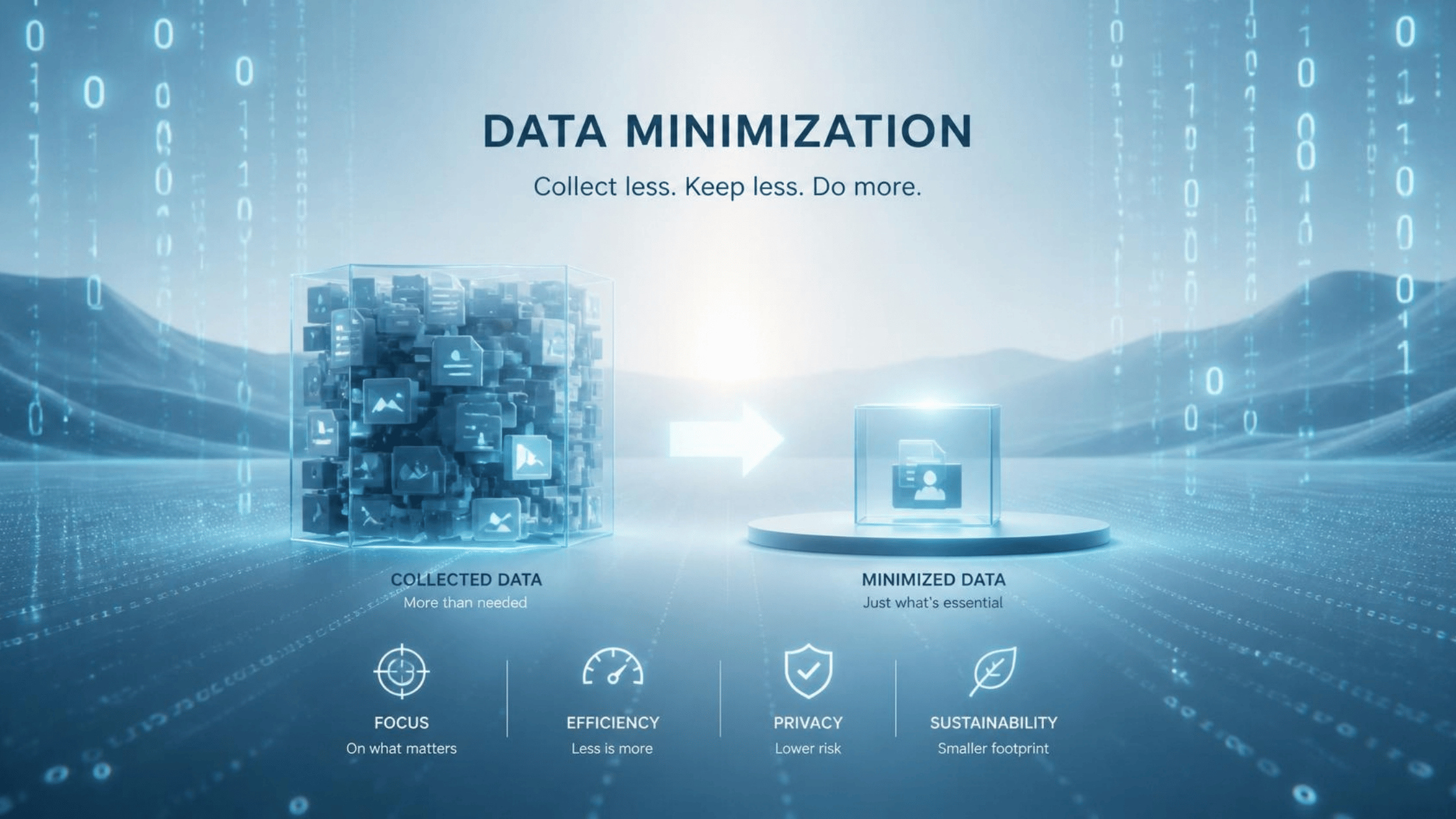
This is where data minimization and retention policies come into play.
Keep information only as long as your organization’s policies and applicable legal requirements allow or require.
Don’t independently delete recordings subject to retention requirements or legal holds. Instead, follow your company’s approved retention and deletion procedures.
What About Recording Consent?
If you’re unsure whether recording is appropriate, ask before you start. A few simple habits can also make a big difference.
- Record only when necessary. Don’t automatically capture every meeting.
- Use approved tools. Avoid connecting personal recording apps or unapproved AI assistants to work meetings.
- Check sharing permissions. Limit access to people who actually need the information.
- Be mindful of what’s on screen. Avoid displaying unrelated customer records or confidential documents.
- Follow retention requirements. Store and delete recordings according to company policy.
- Report accidental sharing. If a recording reaches the wrong person, notify your IT or security team lately.
Recording a meeting isn’t always just a cybersecurity decision. Depending on where participants are located and the circumstances of the conversation, state or federal laws may require consent from one or all participants. Your organization may also have policies requiring advance notice or approval before recording, which means you shouldn’t assume that a meeting platform’s recording button automatically gives you permission to use it.
Remember that the same precautions apply to automatic transcripts and AI-generated meeting summaries!
Conclusion
Meeting recordings and automatic transcripts can save time, improve collaboration, and help us remember important details. Unfortunately, they can also preserve sensitive information that we never intended to share or keep.
On the bright side, protecting that information doesn’t have to be complicated! Before clicking Record, ask yourself whether the recording is necessary, whether you’re using an approved tool, and who will be able to access the information afterward.
A meeting might last only 30 minutes, but the information you record could remain accessible for years. Make sure you’re protecting it long after the meeting ends.