
Email is built around convenience. Forwarding messages takes seconds. Auto-rules help organize your inbox automatically.
Together, everything feels faster and easier. As a result, most people never think twice about using these features.
The problem with these convenient email features are that they can quietly create serious security and compliance risks.
Why Email Forwarding Can Be Dangerous
Forwarding an email may seem harmless, especially when you are trying to work quickly.
What’s the potential downside? That single message may contain:
- Sensitive customer information
- Financial details
- Internal company discussions
- Attachments with confidential data
Once you forward an email outside of approved systems, the company often loses visibility and control over that information. If the message reaches the wrong person or an unsecured account, that sensitive data will get exposed immediately.
The Risk of Automatic Forwarding
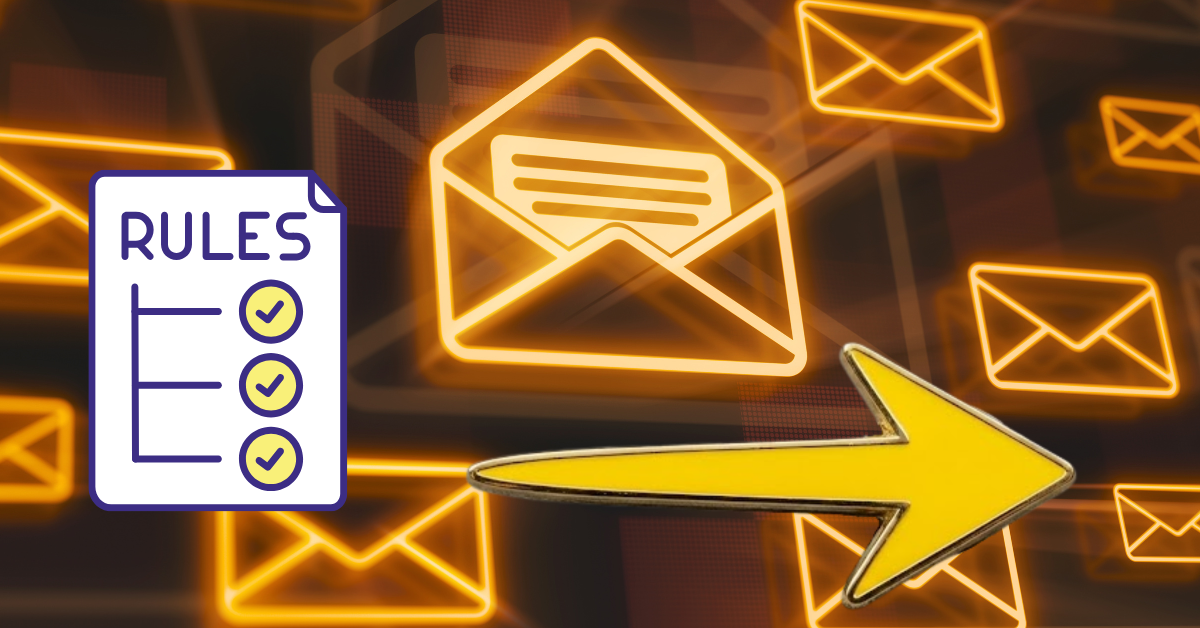
Automatic forwarding rules create even bigger problems.
Many people set up auto-forwarding so they can:
- Check work email from a personal account
- Avoid missing messages
- Keep everything in one inbox
The issue is that these rules can continuously send sensitive company information outside protected systems without anyone realizing it.
In some cases, attackers create hidden forwarding rules after compromising an account. This allows them to silently receive copies of emails even long after the initial breach.
How Auto-Rules Create Compliance Risks
Inbox rules can also create compliance issues. Any rules that automatically move, delete, or redirect messages may interfere with:
- Data retention requirements
- Audit trails
- Security monitoring
- Incident investigations
If important emails are hidden, deleted, or stored improperly, it becomes harder for the company to meet compliance obligations.
Protecting Your Private Communications
You may not think twice about forwarding a file to yourself or creating an inbox rule to reduce clutter. Those shortcuts can create blind spots that increase both security and compliance risks.
To use emails more securely, you do not need to avoid these email features entirely. You just need to use them carefully.
Focus on a few smart habits:
- Avoid forwarding work email to personal accounts – Keep sensitive information inside approved systems
- Review inbox rules regularly – Remove rules you no longer need and watch for anything unfamiliar
- Be cautious with attachments and sensitive data – Double-check recipients before sending
- Report suspicious behavior immediately – Unexpected forwarding rules or missing emails could signal account compromise
Why This Matters to You
Email is one of the most common ways that sensitive data moves throughout an organization. Forwarding and auto-rules help us communicate more efficiently, so we often use these tools. Without proper caution, however, these features can also create hidden compliance and security risks. Sometimes the smallest conveniences create the biggest blind spots!
Sensitive data should stay inside approved, protected systems whenever possible. The more visibility and control the company has over its information, the easier it is to stay compliant and secure!