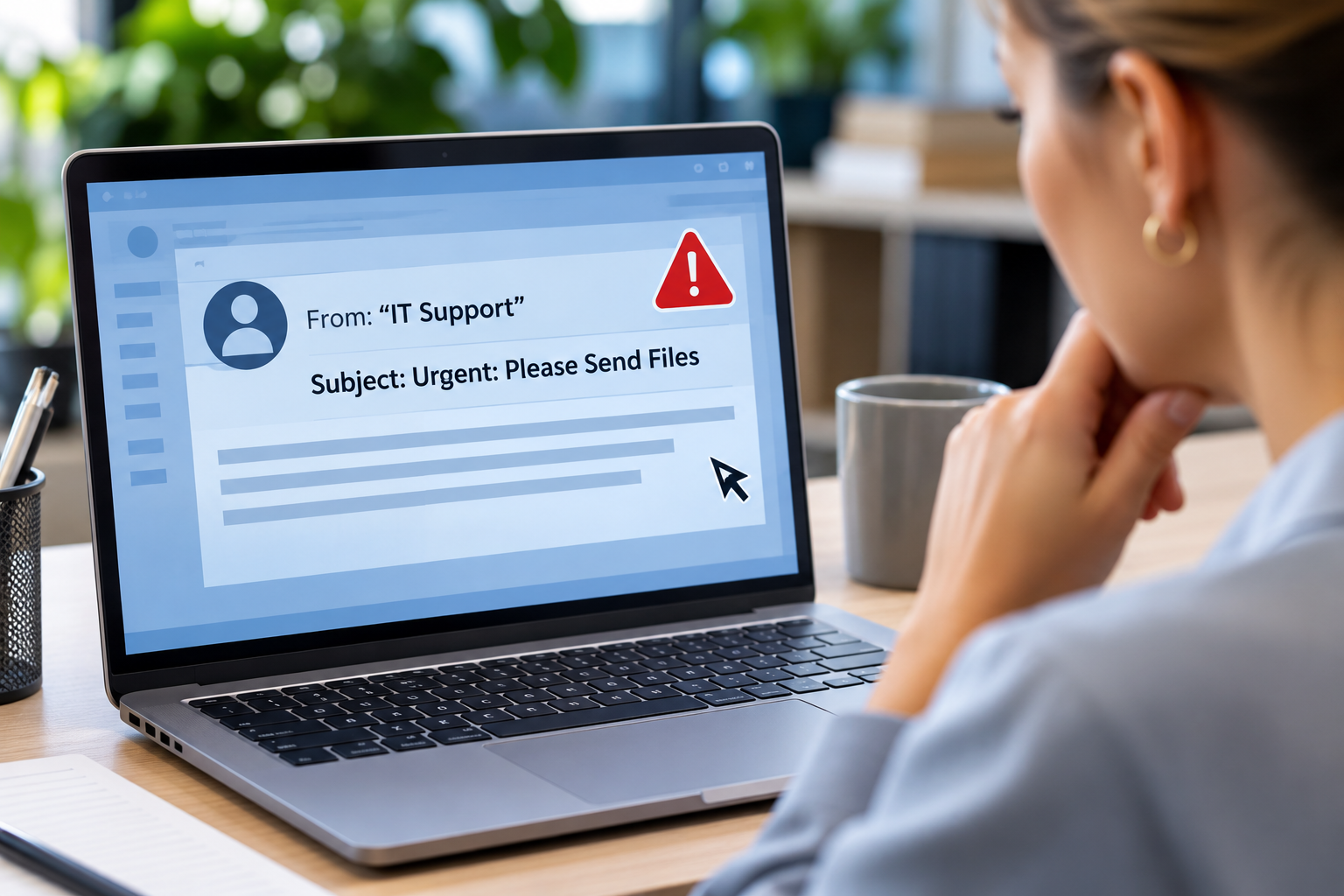


Most cyber-compliance violations don’t begin with someone intentionally breaking the rules. Instead, they begin with much more ordinary actions.
For example, perhaps employee emails a document to their personal account so they can finish it at home. Maybe someone leaves a laptop unlocked while grabbing a coffee before a big meeting. Even you might upload customer spreadsheets to an unapproved online tool because it makes your job easier.
None of these actions may seem particularly dangerous at the time. Unfortunately, small decisions can expose sensitive information and create much larger compliance problems over time.
What Is a Cyber-Compliance Mistake?
Cyber compliance refers to following the laws, regulations, industry requirements, and company policies designed to protect information.
Depending on where you work, that information could include Personally Identifiable Information (PII), Protected Health Information (PHI), financial records, payment information, customer data, or confidential company documents.
Compliance mistake happens when we handle that information in a way that doesn’t follow the protections surrounding it. That doesn’t necessarily mean someone had bad intentions, but accidents still count as mistakes.
So here are the top 5 cyber-compliance mistakes that people make, and how you can avoid these common pitfalls at work yourself.
Mistake #1: Leaving Devices Unsecured
You step away from your desk for two minutes. Do you really need to lock your computer?
Yes.
An unlocked workstation could allow another person to view sensitive information, send messages from your account, access files, or use applications under your identity.
The solution is simple: Lock your screen whenever you walk away and never leave company devices unattended in public places.
Taking just a few seconds to secure your devices can save you from the arduous task of trying to recuperate post-incident.
Mistake #2: Moving Data Somewhere More Convenient
Maybe you want to work from home, so you send a document to your personal email. Perhaps you upload a large file to a free file-sharing service because email won’t accept it.
In both of these scenarios, you haven’t intentionally exposed anything, but you’ve moved company information outside the systems that your organization controls. That can create serious problems, especially if the information is regulated or confidential.
To protect the secure data under your control, use company-approved storage, email, and file-sharing systems. If the approved method isn’t working, ask for another option rather than creating your own workaround.
Mistake #3: Sharing More Than Necessary
Suppose a coworker asks for a spreadsheet containing one customer’s account information. So you send them the entire spreadsheet containing 500 customers because it’s faster than creating a separate file.
That’s unnecessary exposure.
Instead, follow a useful compliance principle known as data minimization: Only collect, access, use, and share the information that people actually need.
Before sending out sensitive information, ask yourself whether the recipient really needs everything in that file.
If they don’t, then remove what you don’t have to share.
Mistake #4: Ignoring Access Restrictions
Having access to information doesn’t mean you’re allowed to do whatever you want with it.
For example, you might have permission to view a customer record because it’s necessary for your job. That doesn’t automatically mean you can download it, print it, forward it, or share it with another employee, however.
Pay attention to classifications such as Internal, Confidential, or Restricted, and follow the handling requirements associated with them.
When you’re unsure, ask before sharing.
Mistake #5: Failing to Report an Accident
This might be the most important mistake to avoid.
What happens if you accidentally email a document to the wrong person? What if you click a suspicious link? Or lose the company phone?
You might panic and freeze up, wondering, What now?
Report it immediately.
People sometimes stay quiet because they’re embarrassed of the mistake or worried about getting in trouble. Unfortunately, waiting only makes the situation worse.
When an incident occurs, your IT or security team needs to jump into action immediately. They may still be able to recall an email, disable an account, remotely wipe a device, reset credentials, or investigate suspicious activity. They can only help, however, if they know exactly what happened as fast as possible.
What Happens When Compliance Goes Wrong?
Depending on the information involved, a compliance failure can lead to regulatory investigations, lawsuits, contractual problems, financial penalties, and mandatory notifications to the affected individuals.
There can also be consequences that are harder to measure.
Customers expect organizations to protect the information they provide. Losing control of that information can damage trust long after the immediate incident has been resolved. That’s why compliance isn’t simply a concern for your legal department. Everyone who handles company information plays a role.
On the bright side, you don’t need to memorize every regulation that applies to your organization. You just need to understand the rules that apply to your job.
Good Habits Make Good Compliance
Take steps every day to protect your cyber-hygiene.
- Complete required training.
- Pay attention to updates.
- Use approved applications and storage locations.
- Lock your devices.
- Verify unusual requests.
- Follow data classifications.
- Don’t share information simply because someone asks for it.
Most importantly, speak up when something goes wrong. Compliance works best when employees feel comfortable asking questions rather than guessing!
Conclusion
Cyber compliance can sound complicated because the laws and regulations behind it are often complex. On the bright side, your everyday role doesn’t have to be.
Before handling sensitive information, think about what you’re accessing, where you’re putting it, who you’re sharing it with, and whether they actually need it.
Small shortcuts can create big compliance problems.
Fortunately, the opposite is also true. Small, consistent security habits can prevent big mistakes!